 NA Meetings Near Me
Print cards and flyers
Want to leave something on the literature table, or hand a card to a newcomer? Everything here is free to download and print. Every QR code opens the app.
Business cards
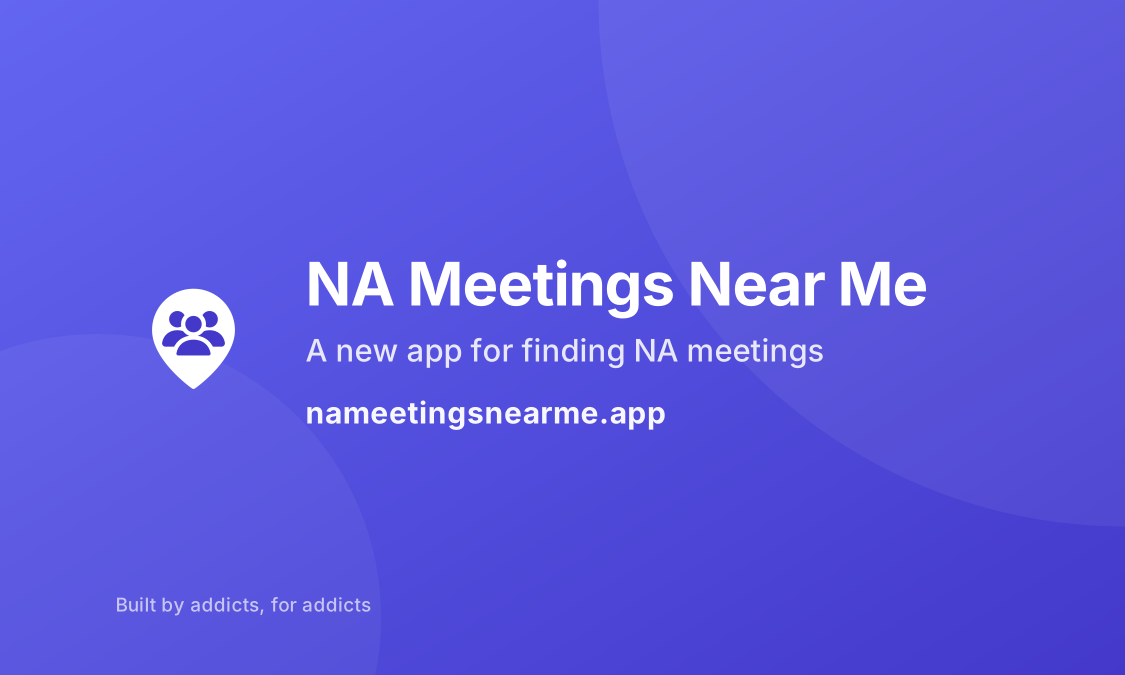
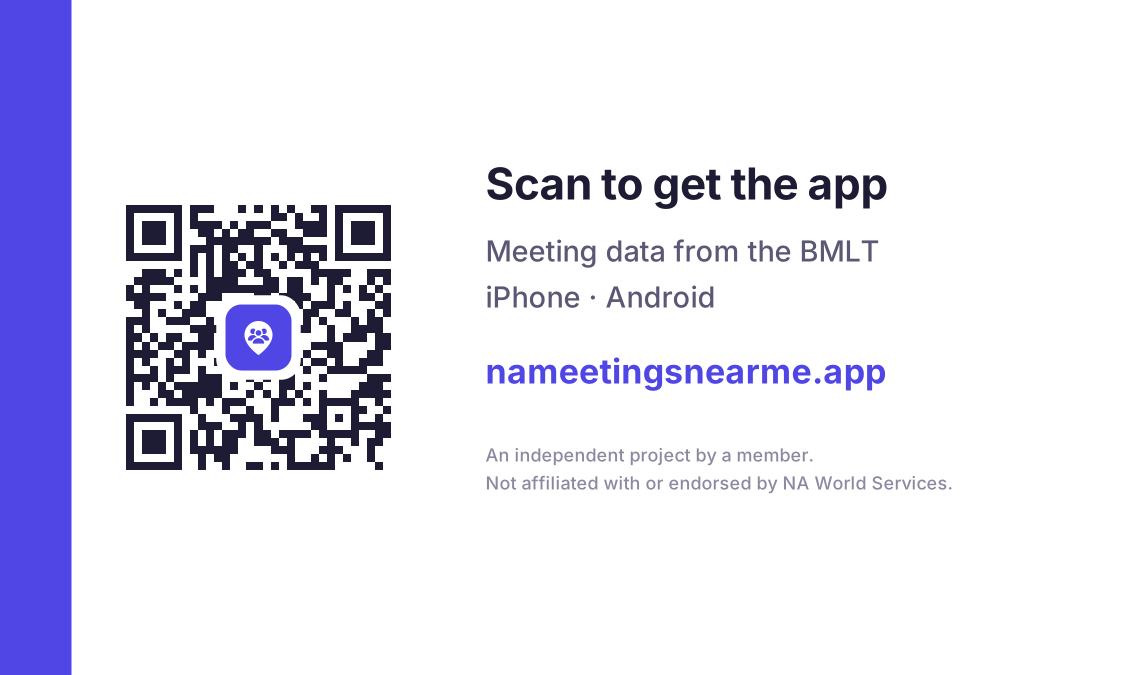
A standard 3.5 × 2 inch card. The app name on the front, a QR code on the back.
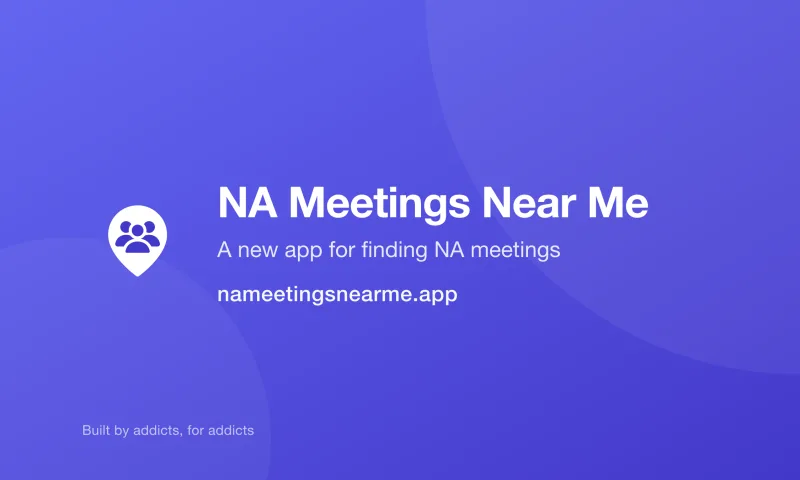
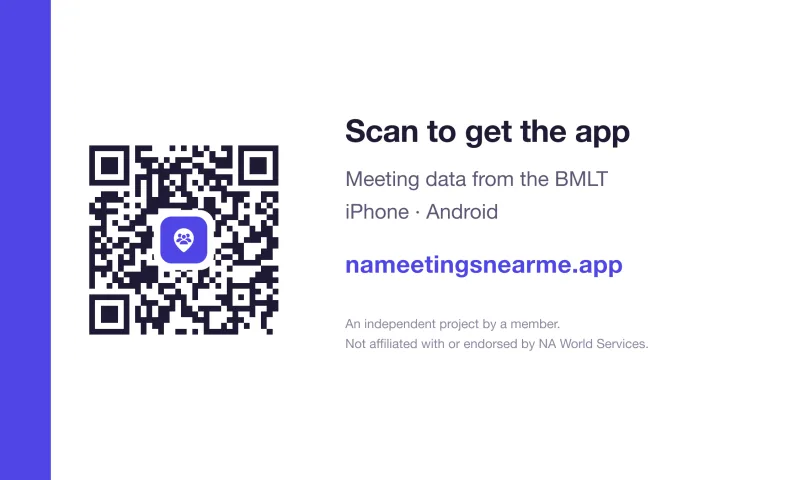
Order from a print shop
Upload this file as it is to any online printer or local copy shop. Nothing needs changing.
- Ask for double-sided. Page 1 is the front, page 2 the back.
- Matte or silk finish, 14pt card or heavier.
- It's already set up the way printers ask for it, so if they ask about bleed, it's there.
Print them yourself
Ten cards on one US Letter sheet. Works with Avery 5371 / 8371 card stock, or plain card and scissors. Small marks at the edges show where to cut.
- Print at actual size. Turn off "fit to page", which most printers have on and which shrinks the cards.
- Print double-sided, flipping on the long edge.
- Try one page on plain paper first and hold it up to the light to check the two sides line up.
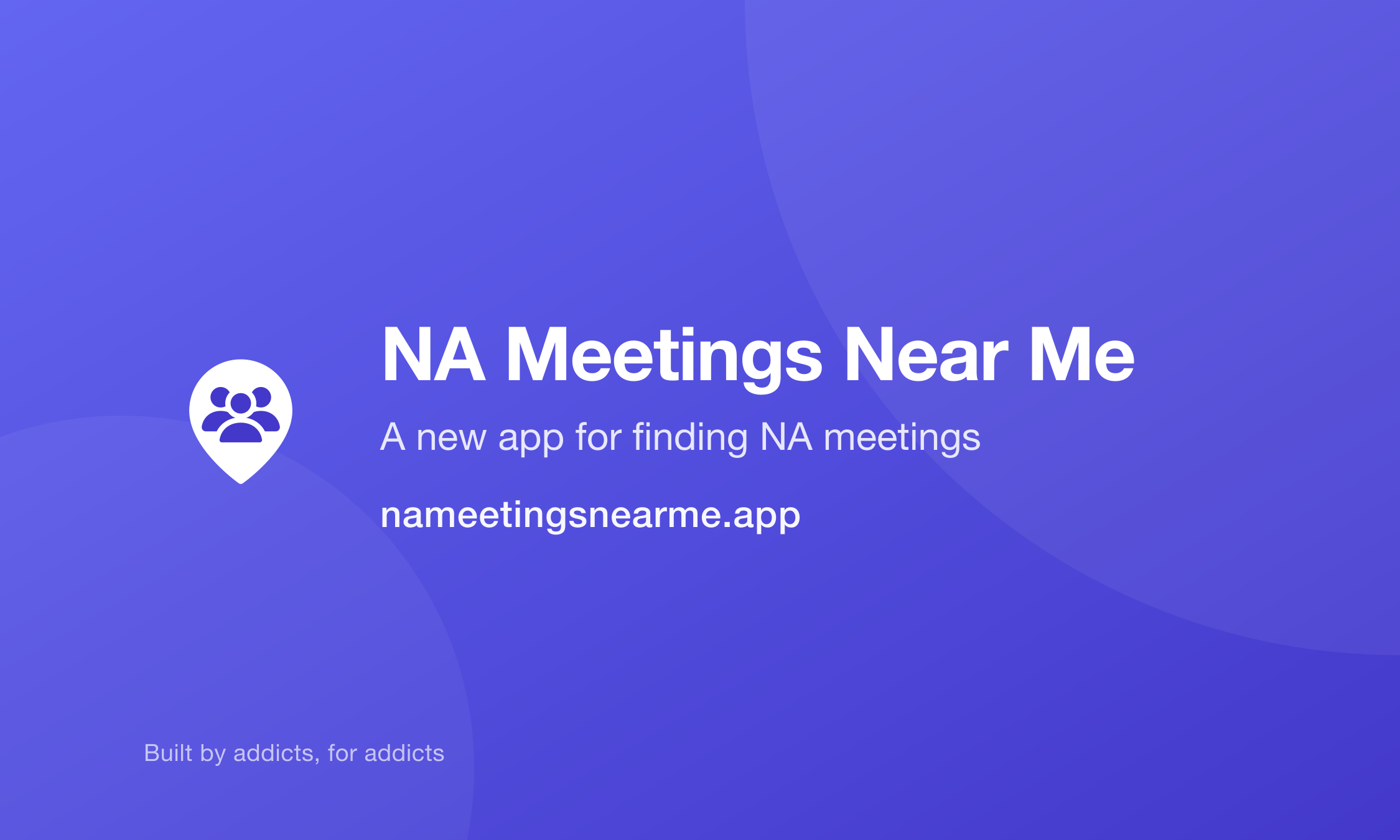
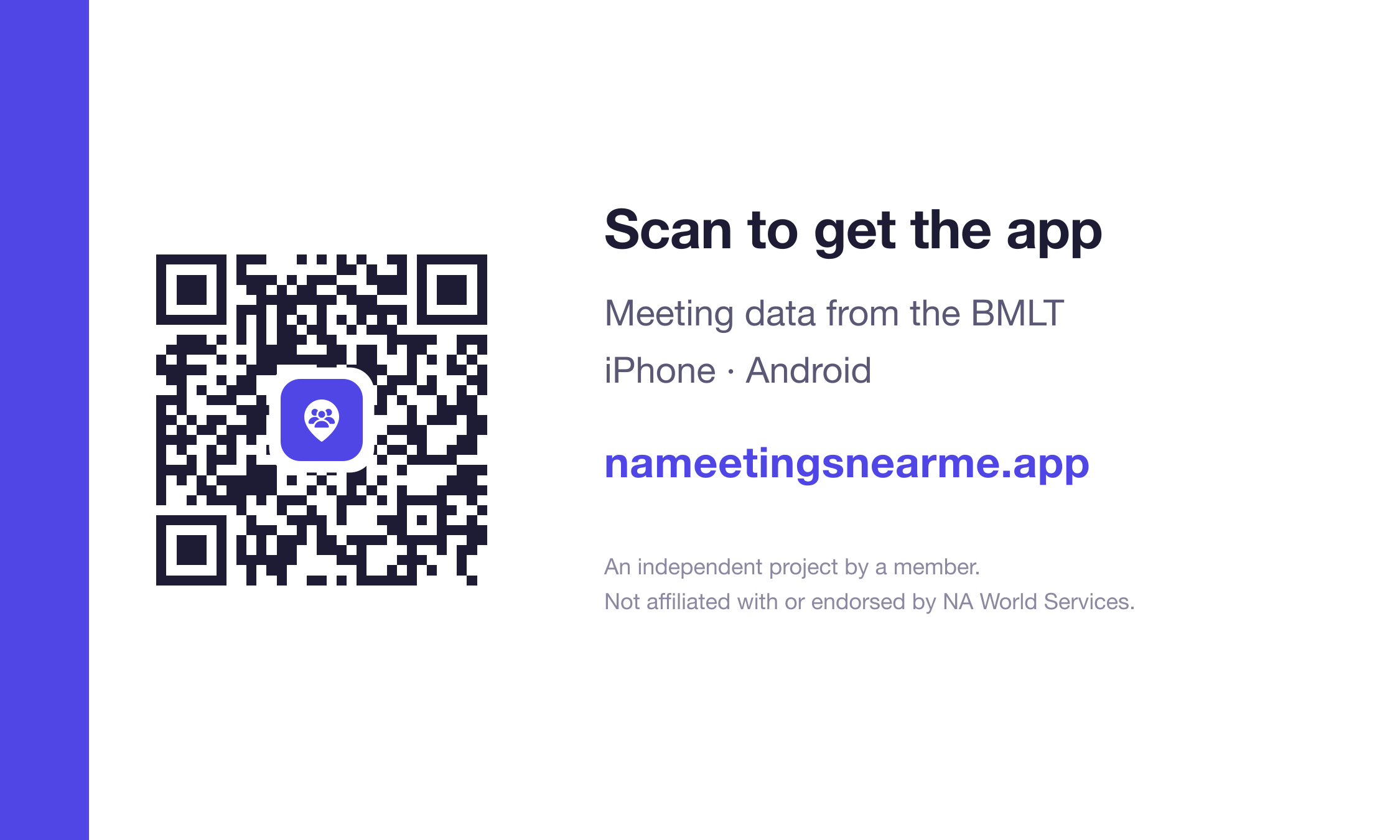
Designing your own? The card artwork on its own: front PNG · back PNG · front SVG · back SVG
Square cards
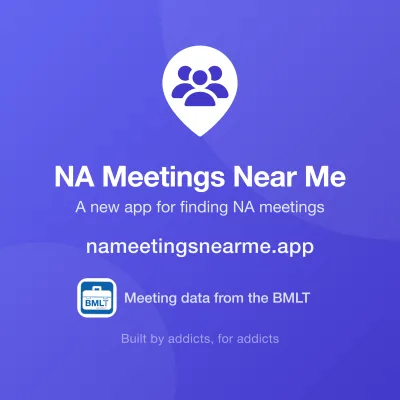
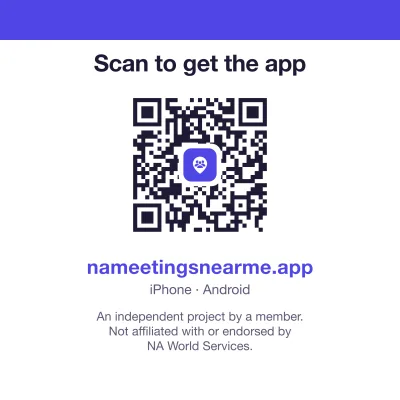
The same card as a square, for printers that offer square sizes. Each side is its own file, which is how those printers ask for them, and both sizes still look right with rounded corners.
| Size | Front | Back |
|---|---|---|
| 3 inch easier to read | PDF · PNG | PDF · PNG |
| 2 inch fits a wallet | PDF · PNG | PDF · PNG |
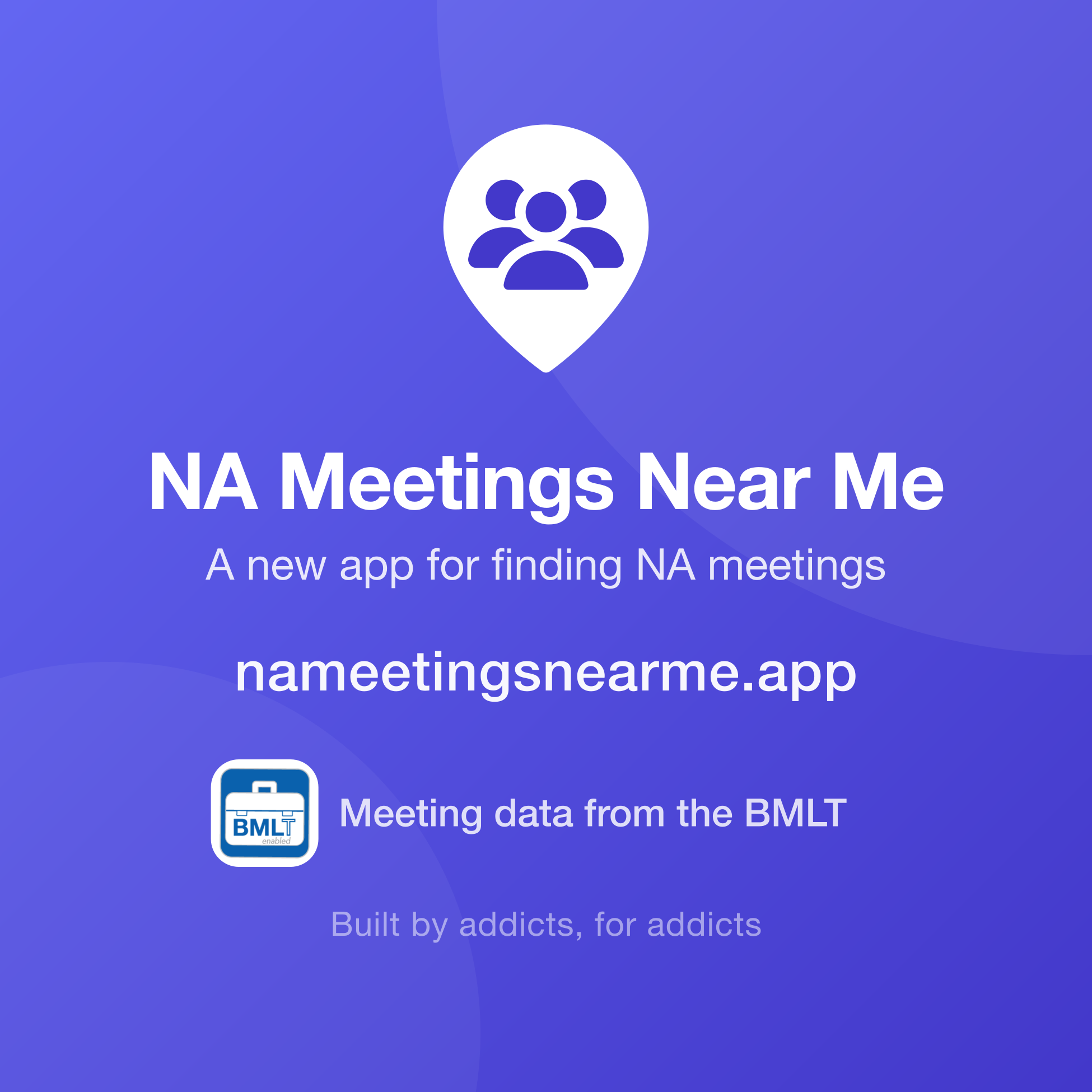
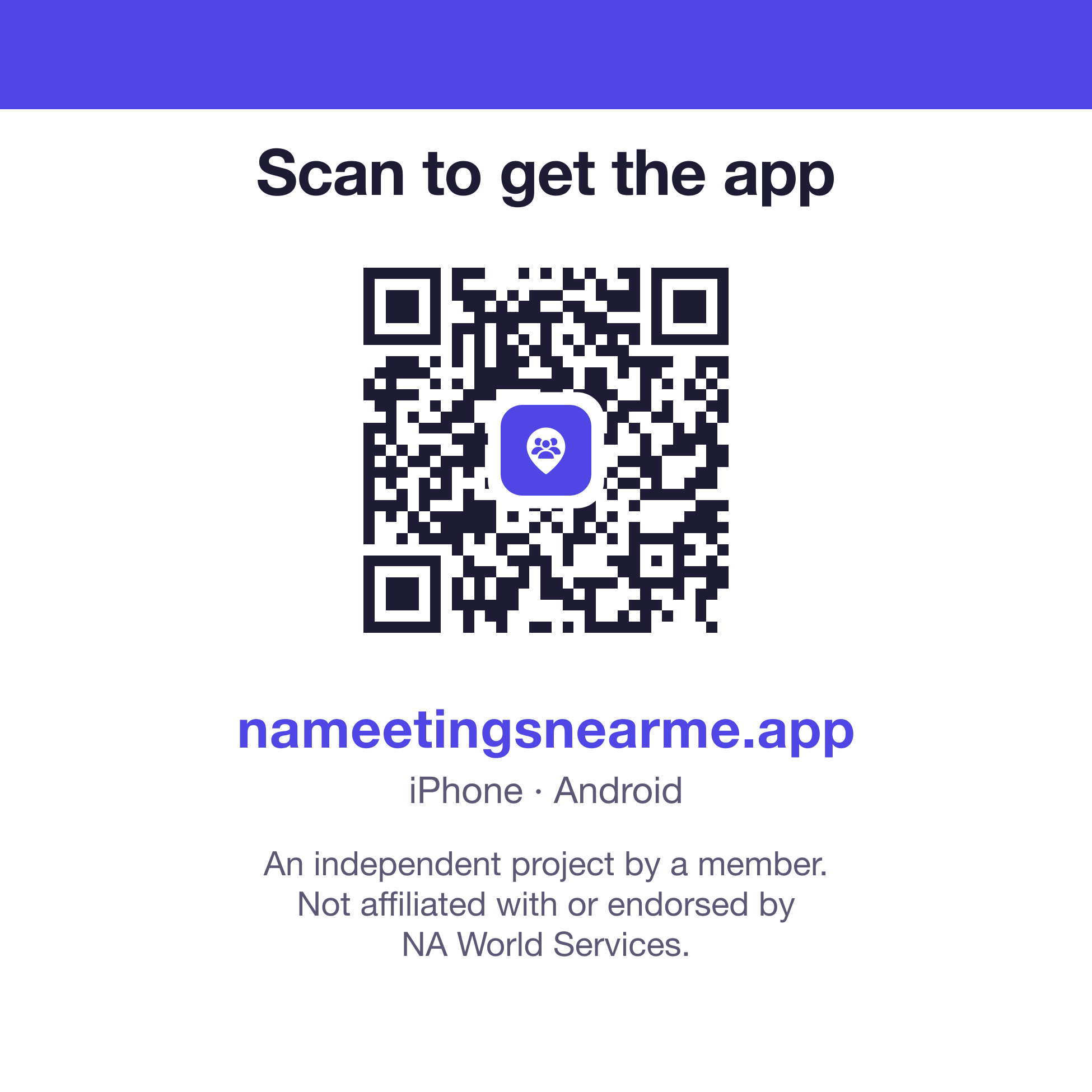
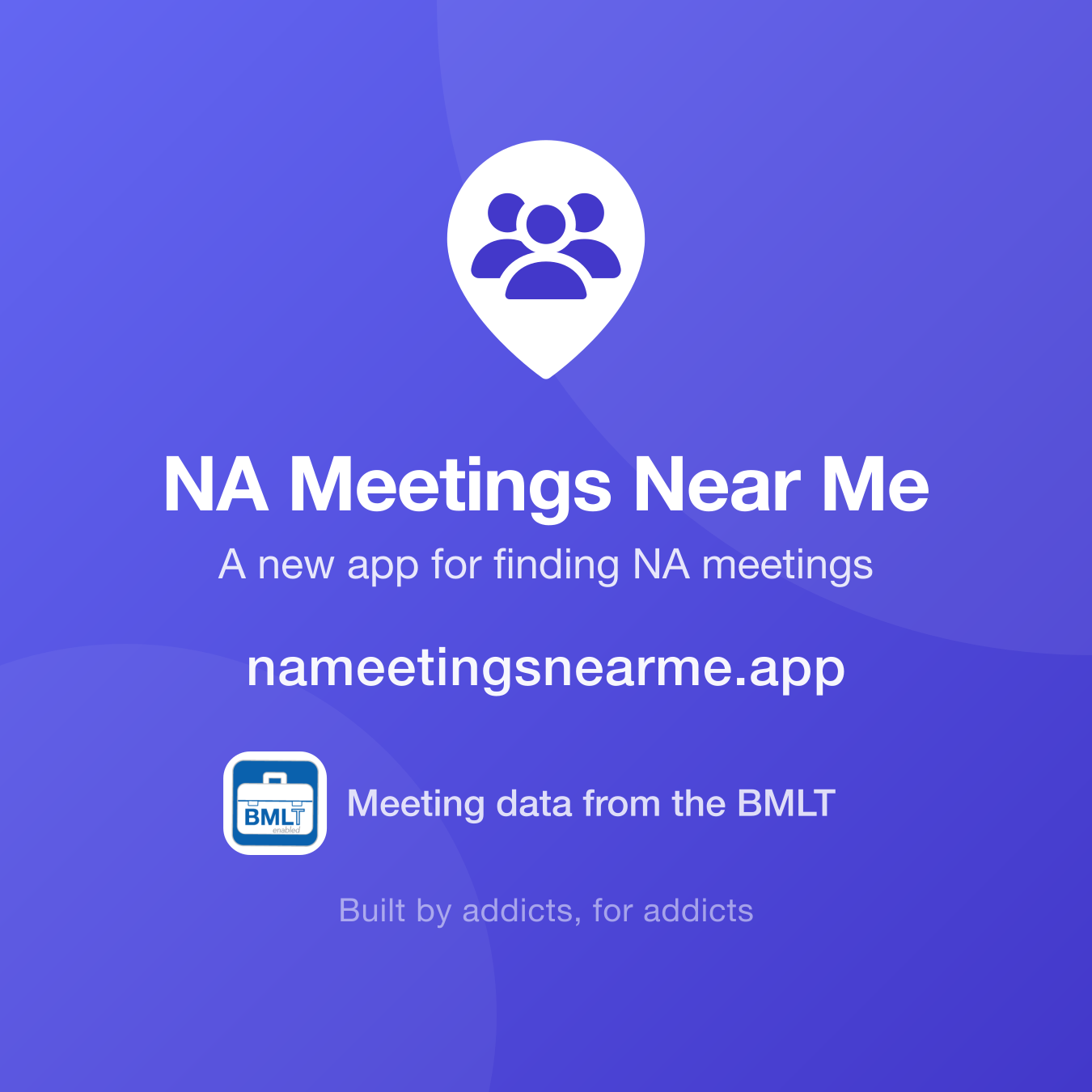
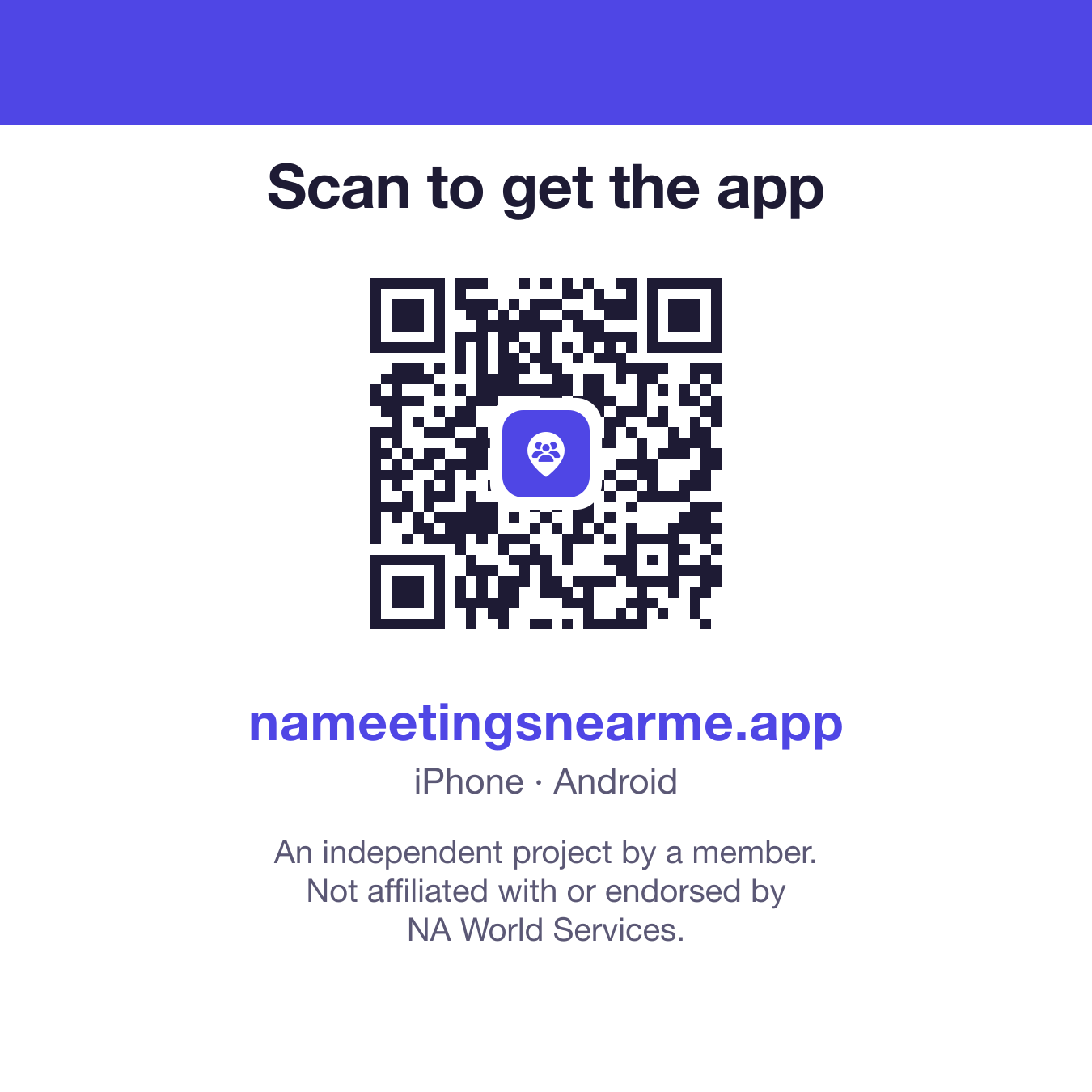
The PDF and PNG are the same picture; upload whichever the printer prefers. The small print on the 2 inch card is tiny, so pick the 3 inch if it will be read by anyone without their glasses.
QR codes
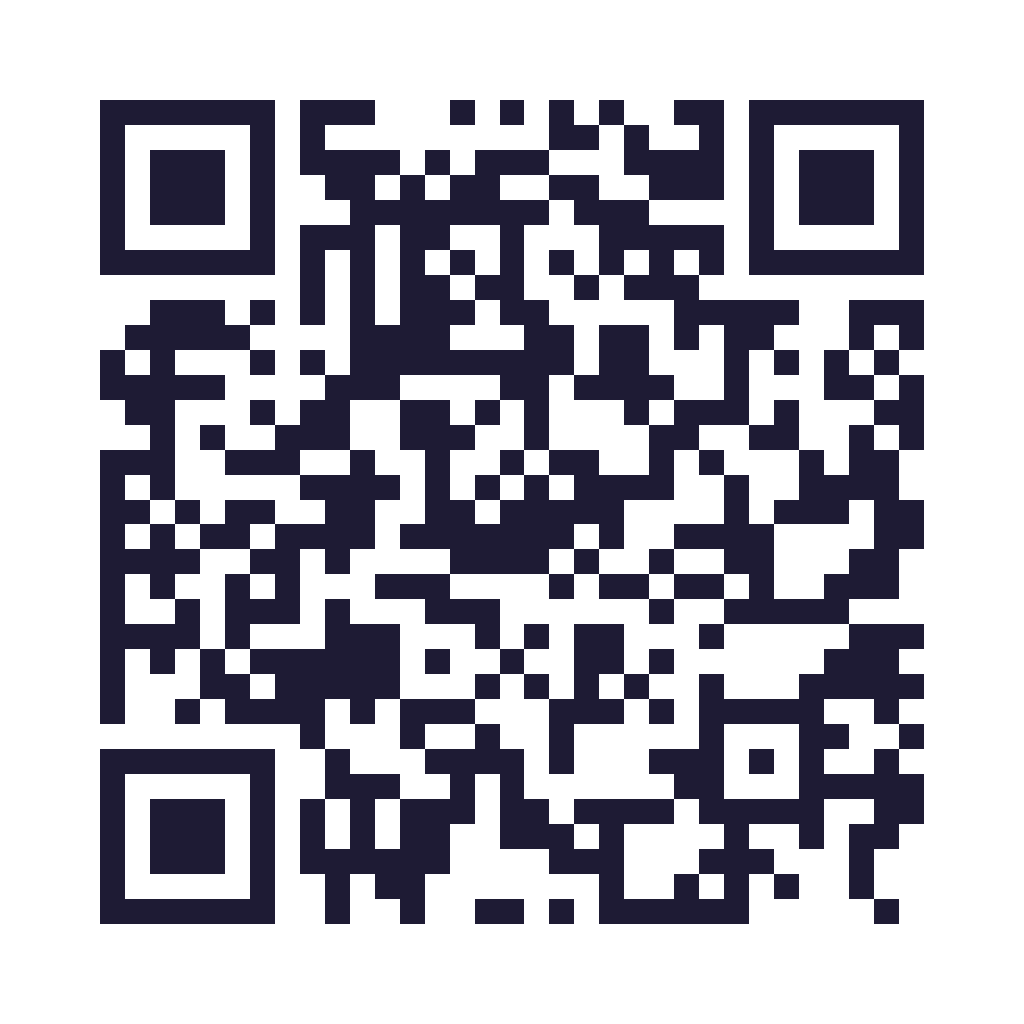
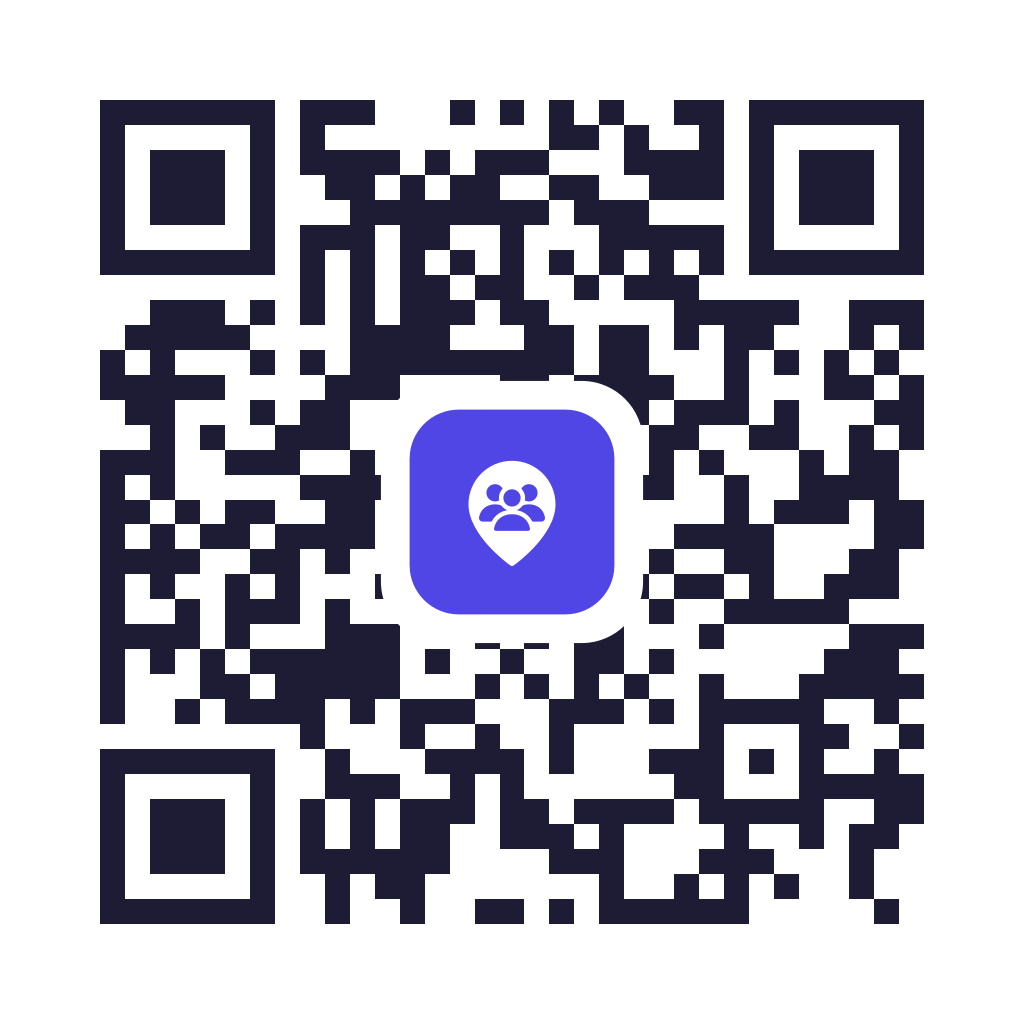
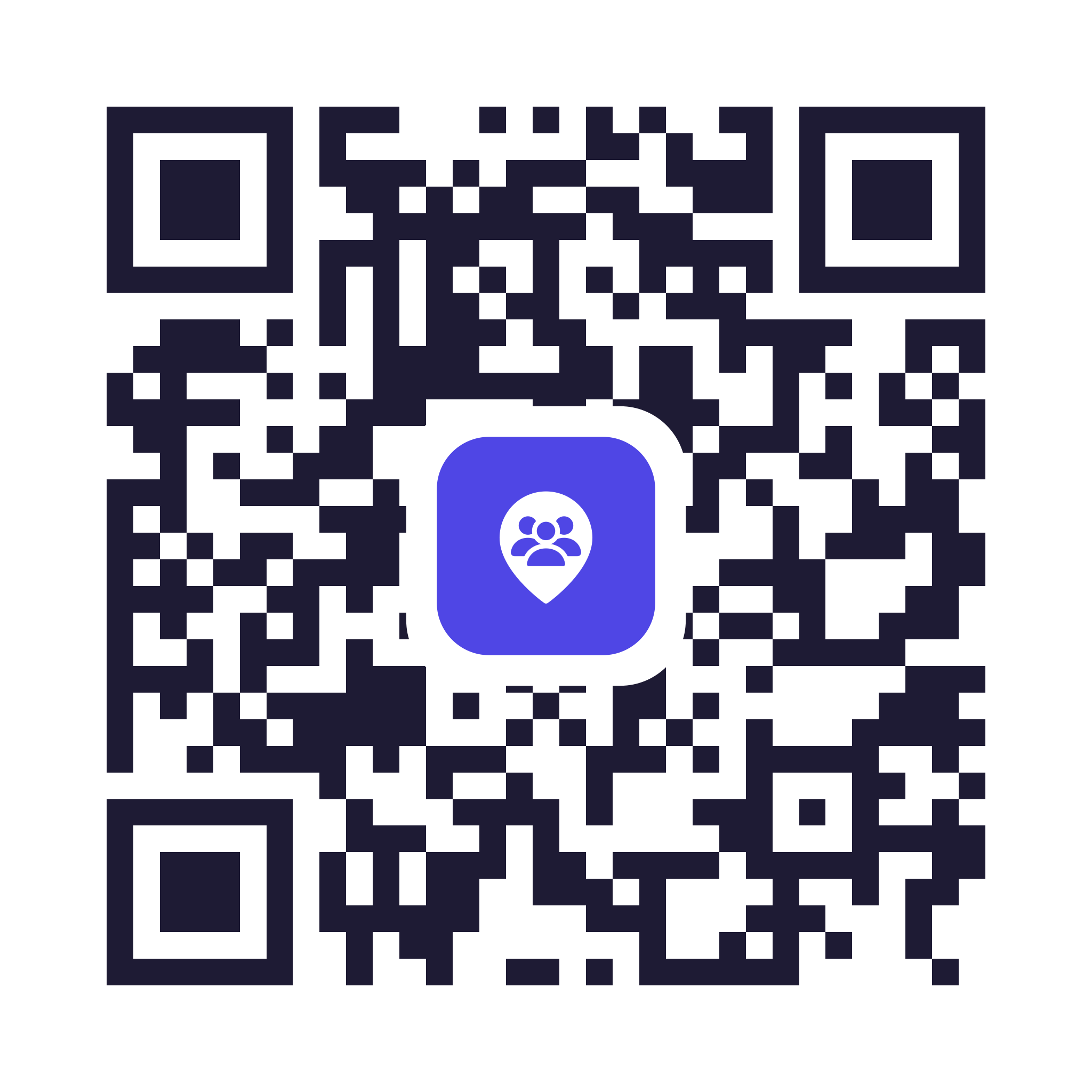
Just the code, to put on your own flyer, meeting list or poster. It opens nameetingsnearme.app, which sends each phone to the right store.
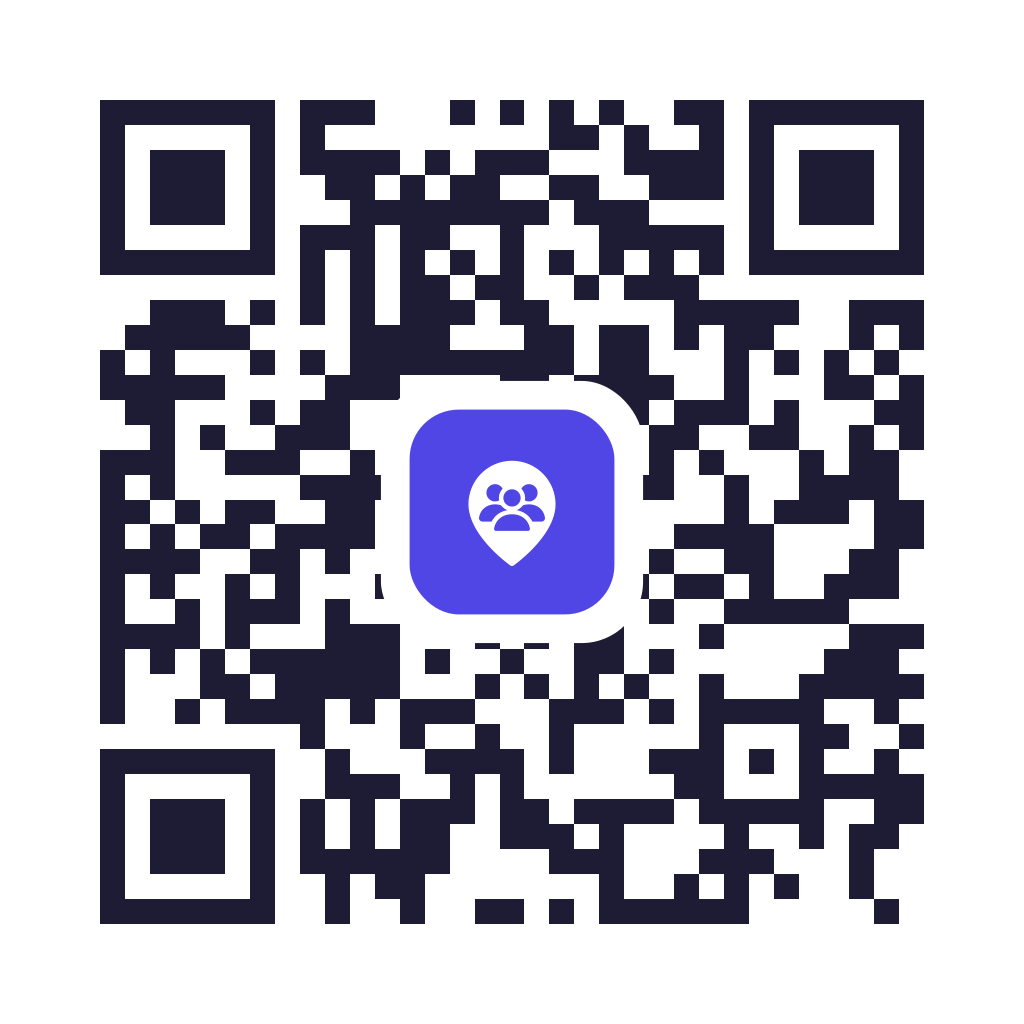
- QR code with icon SVG · sharp at any size, best for printing
- Plain QR code SVG · no icon, for very small prints or photocopies
- QR code with icon PNG · 1024px, for Word, Canva and the like
- QR code with icon PNG · 2048px, for large posters
- Print it at least 0.8 inch (2 cm) across.
- Leave the white border around it alone. Phones need it to read the code.
- Scan the printed copy with your phone before you print a big batch.
Round stickers
A round die-cut sticker for a literature table, a laptop or a notice board — the app name and a QR code that opens nameetingsnearme.app. The artwork outside the circle is transparent, so a sticker printer cuts it round.
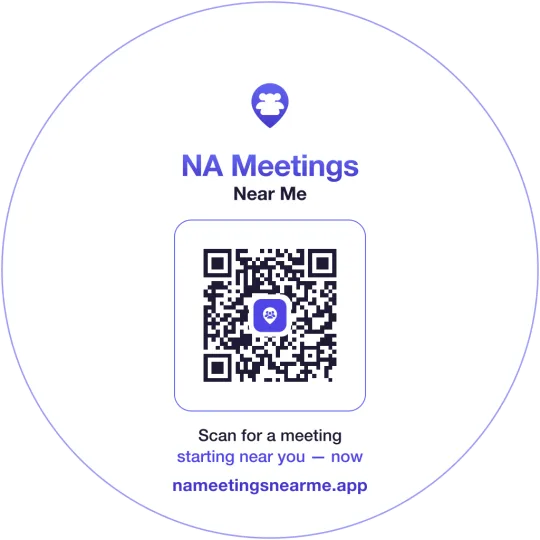
- Round sticker SVG · sharp at any size, best for a print shop
- Round sticker PNG · 1024px, transparent, for Canva or Sticker Mule
- Round sticker PNG · 2048px, transparent, for larger stickers
- Upload it to a sticker printer and choose a circle / die-cut shape — the faint ring is the cut line.
- Good at 2–3 inch (5–7.5 cm) across; the QR needs at least 0.8 inch of that.
- Scan the printed sticker with your phone before ordering a batch.
iPhone or Android only
These codes skip the website and open the App Store or Google Play directly. Only use them when you know everyone has the same kind of phone. For anything handed round a room, use the ones above, which work on any phone.
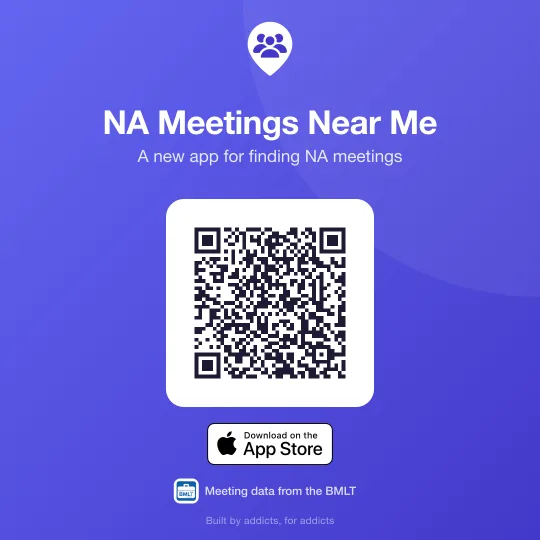
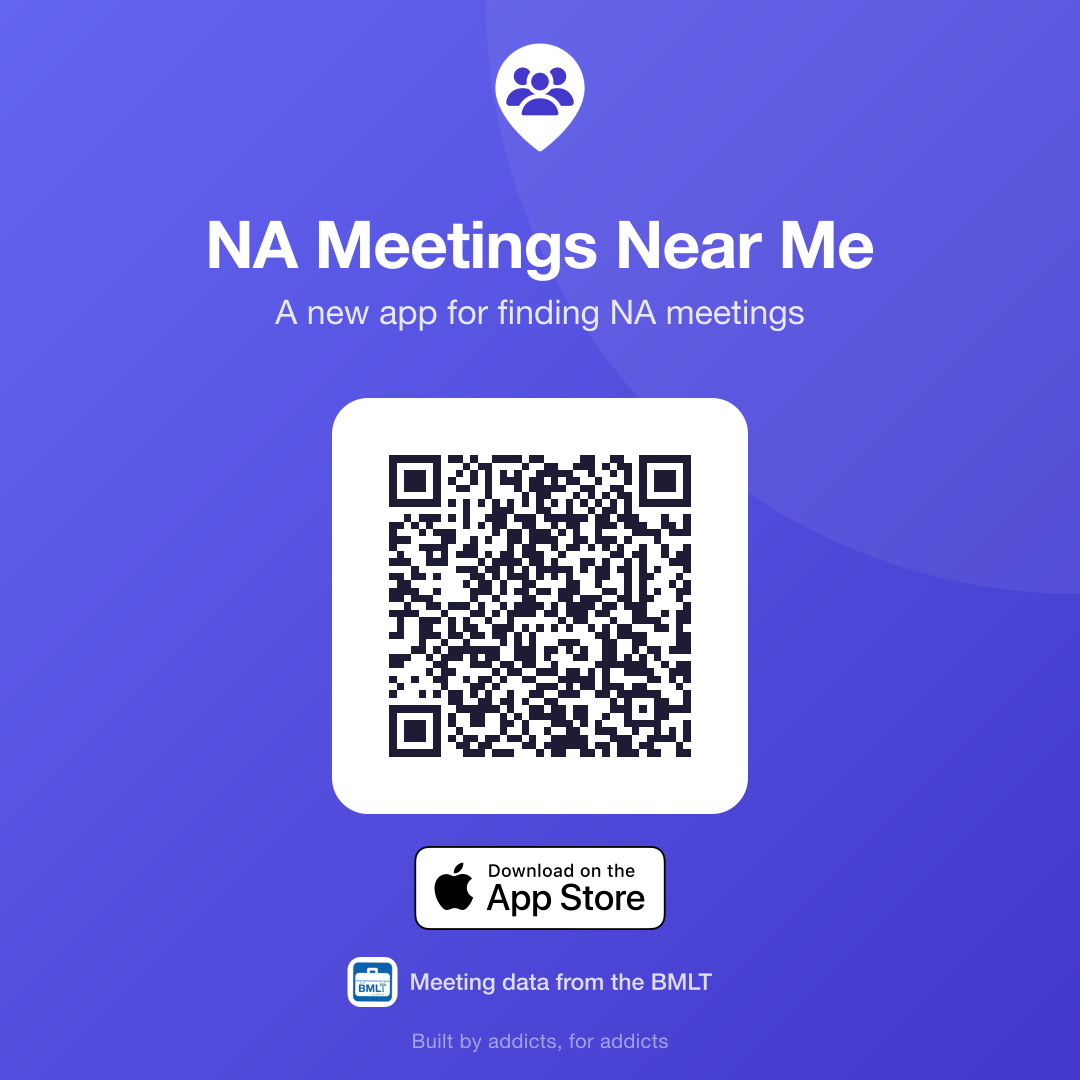
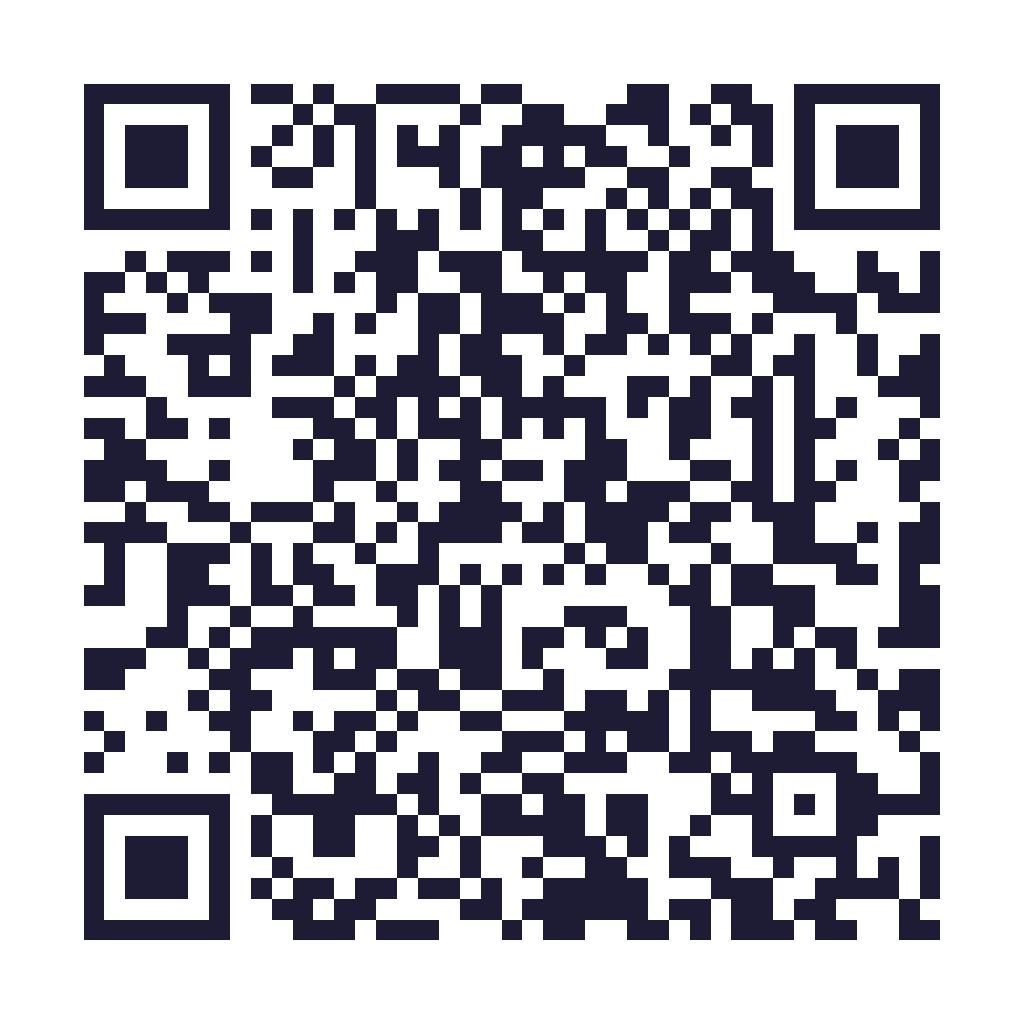
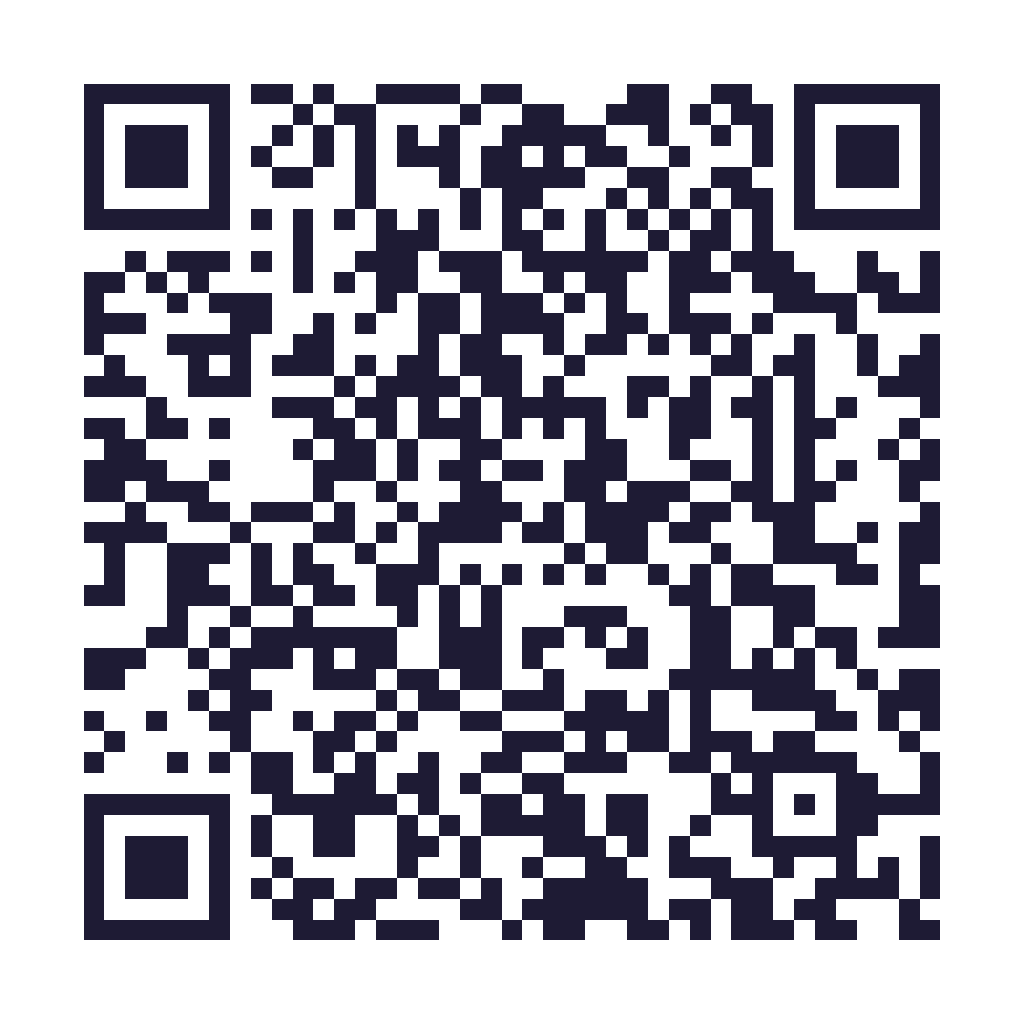
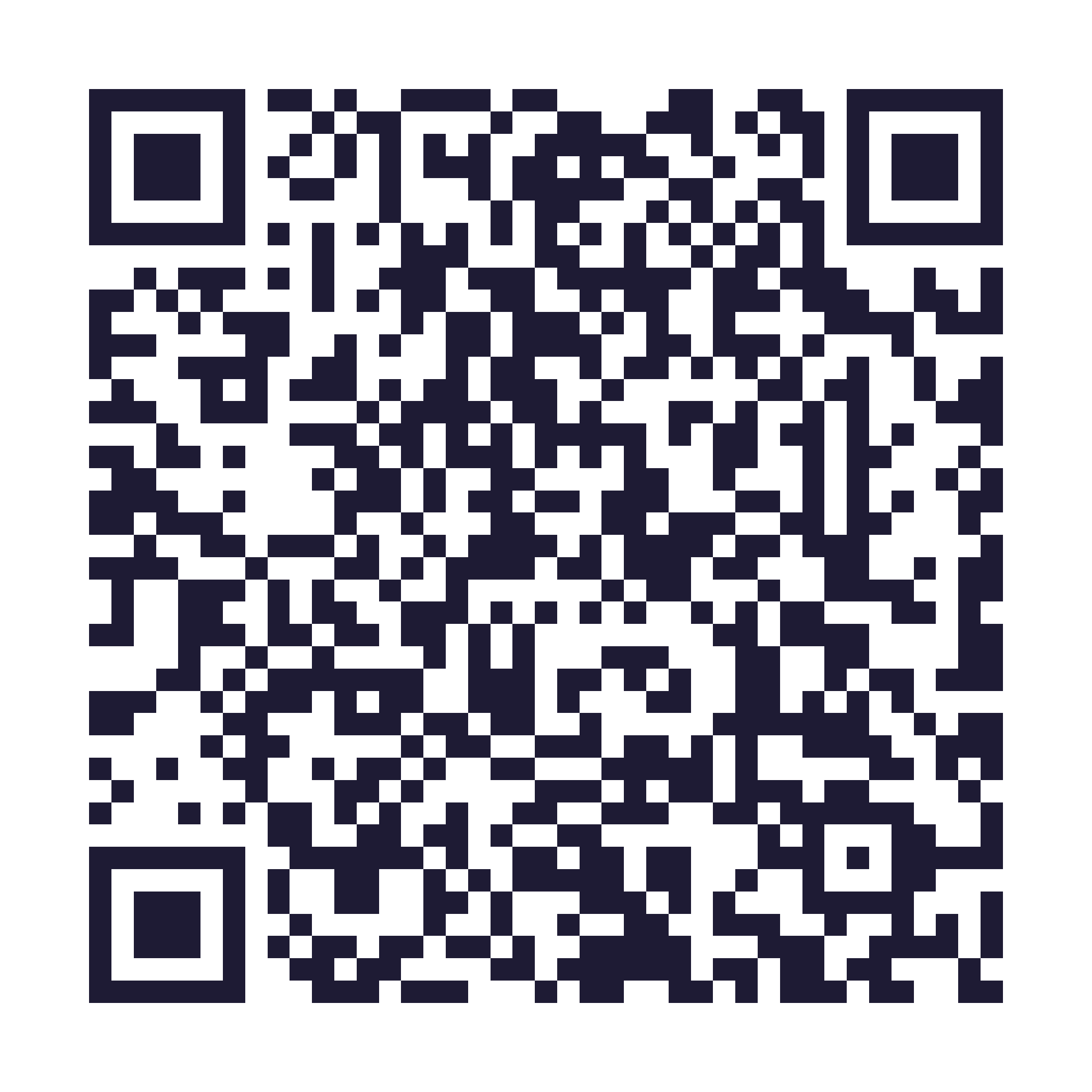


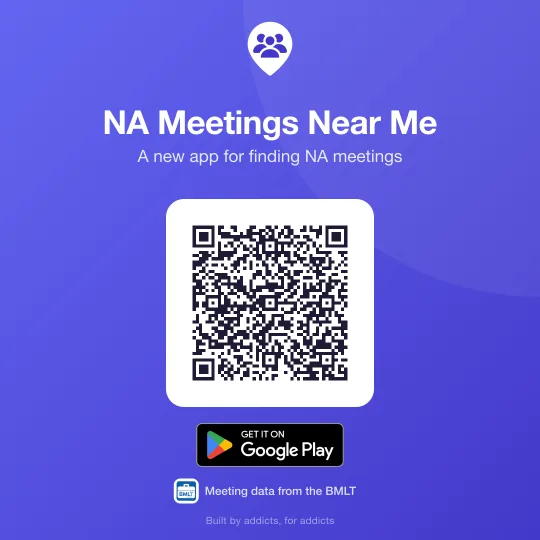
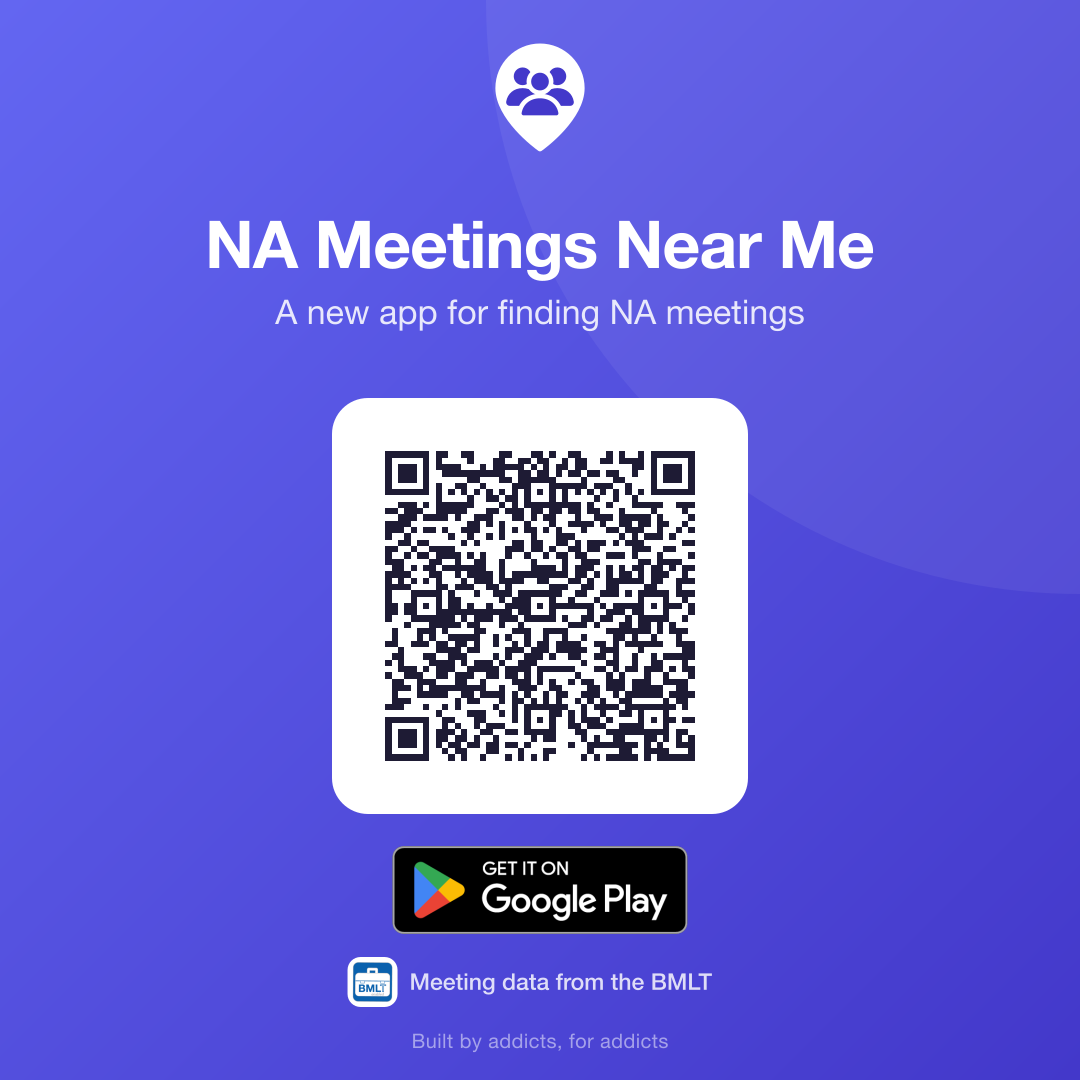
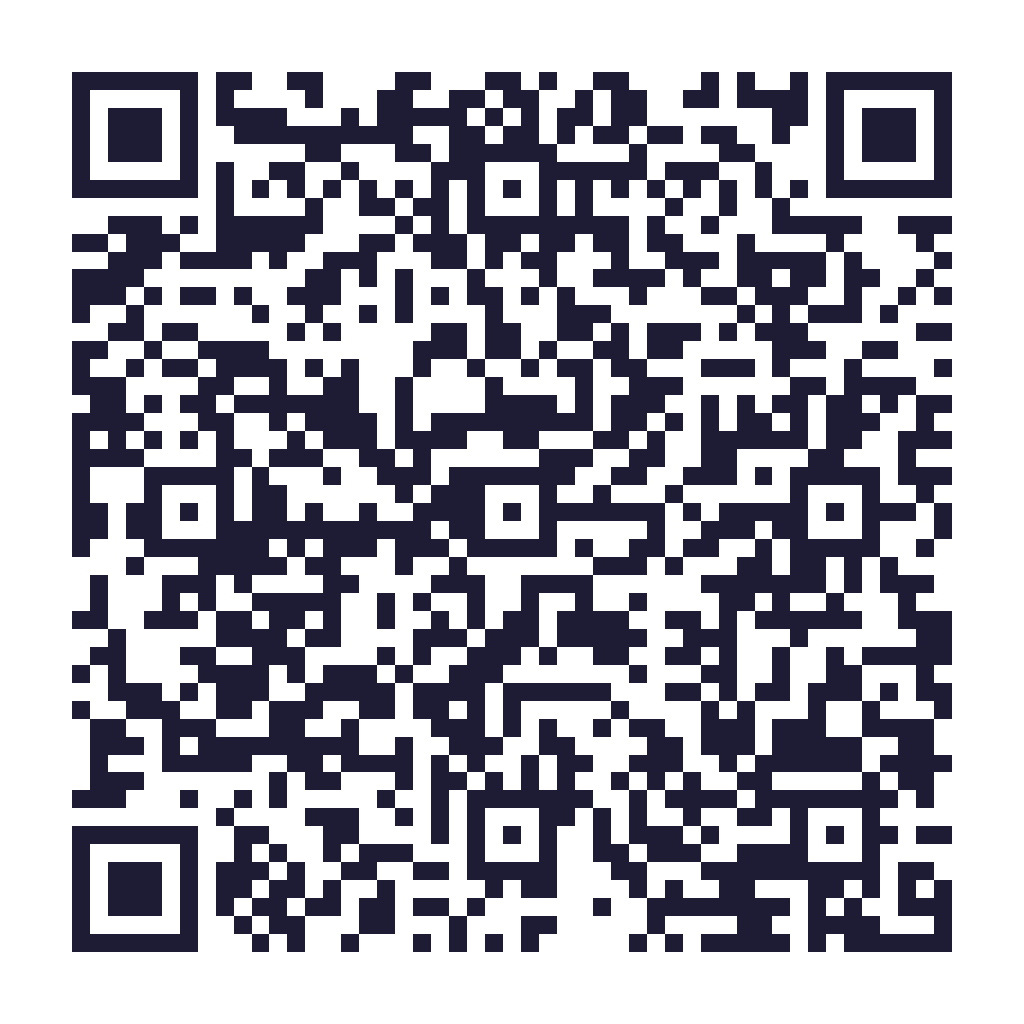
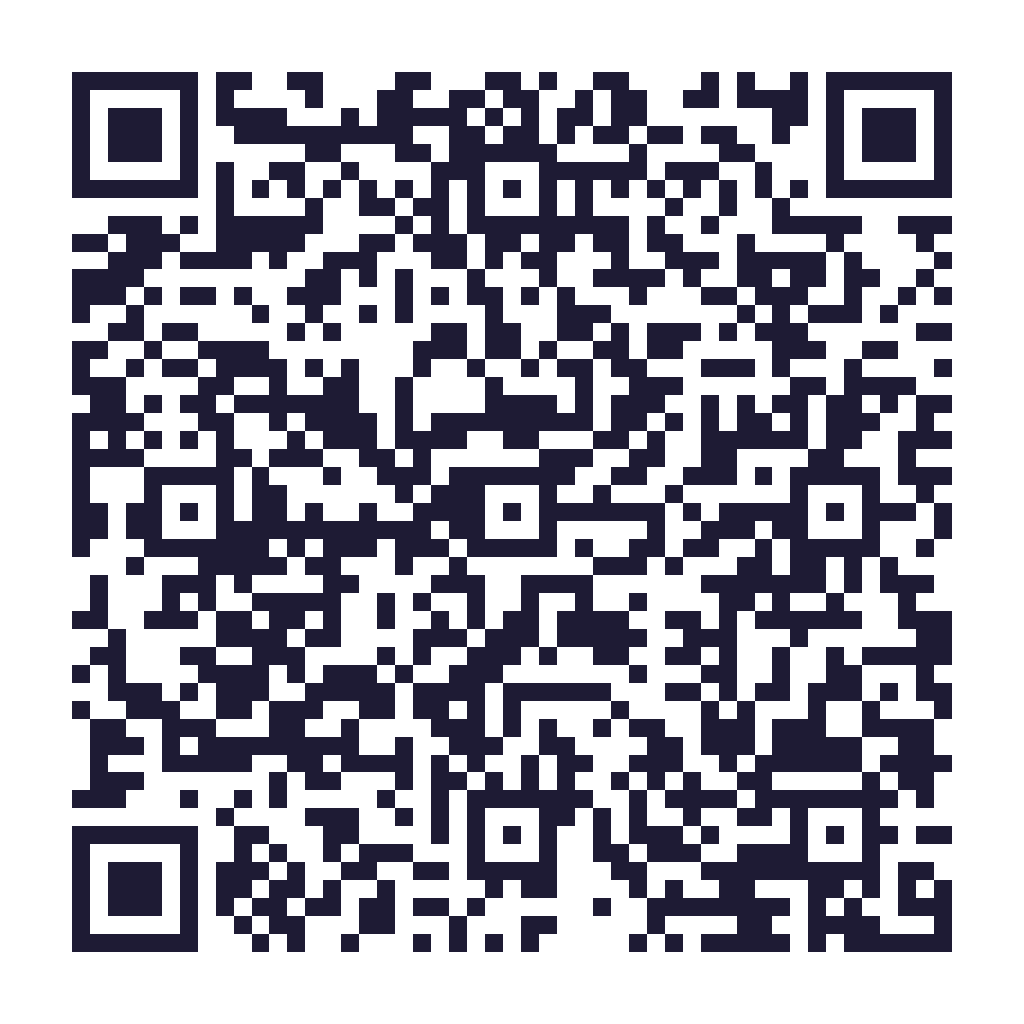
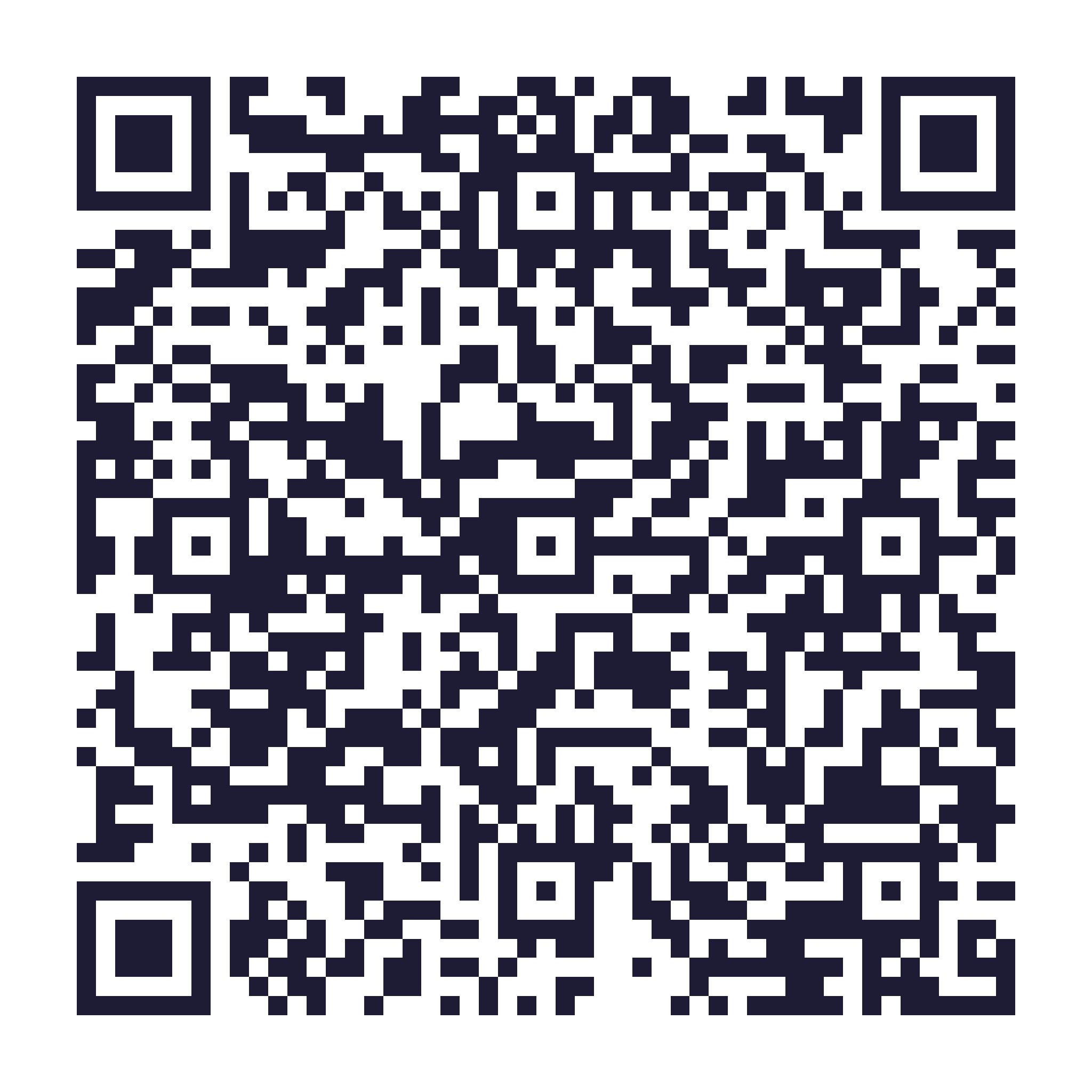
These codes are more detailed than the website one, so print them at least 1 inch (2.5 cm) across. If you use a store badge in your own design, use it as it comes: don't recolour, stretch or crop it.
Want it on a website instead?
There are copy-and-paste widgets for NA area and region sites on the Add it to your site page.
Independent app built by an individual NA member to help addicts find NA meetings near them. Not published by, endorsed by, or affiliated with Narcotics Anonymous World Services, Inc. Please print and share these freely, unaltered.
Images to share
Square pictures for group chats, stories and posts, or to print as a small poster for a notice board.